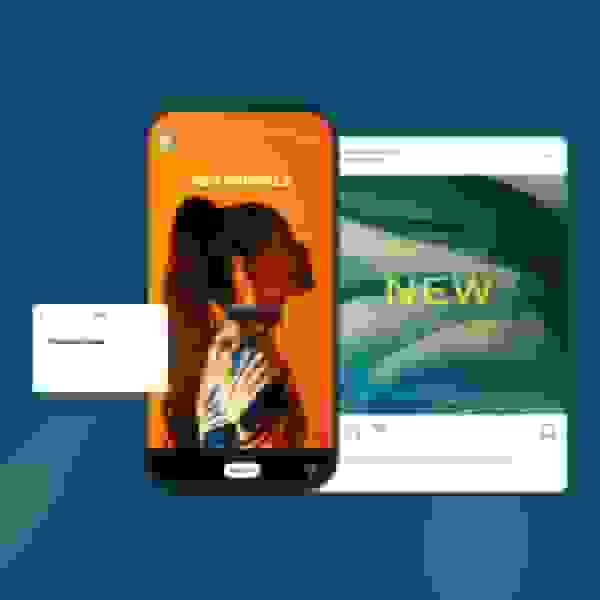
Create | Instagram

Free Instagram video templates: make reels, stories, and feed videos online

Explore Vimeo Create's Instagram video templates

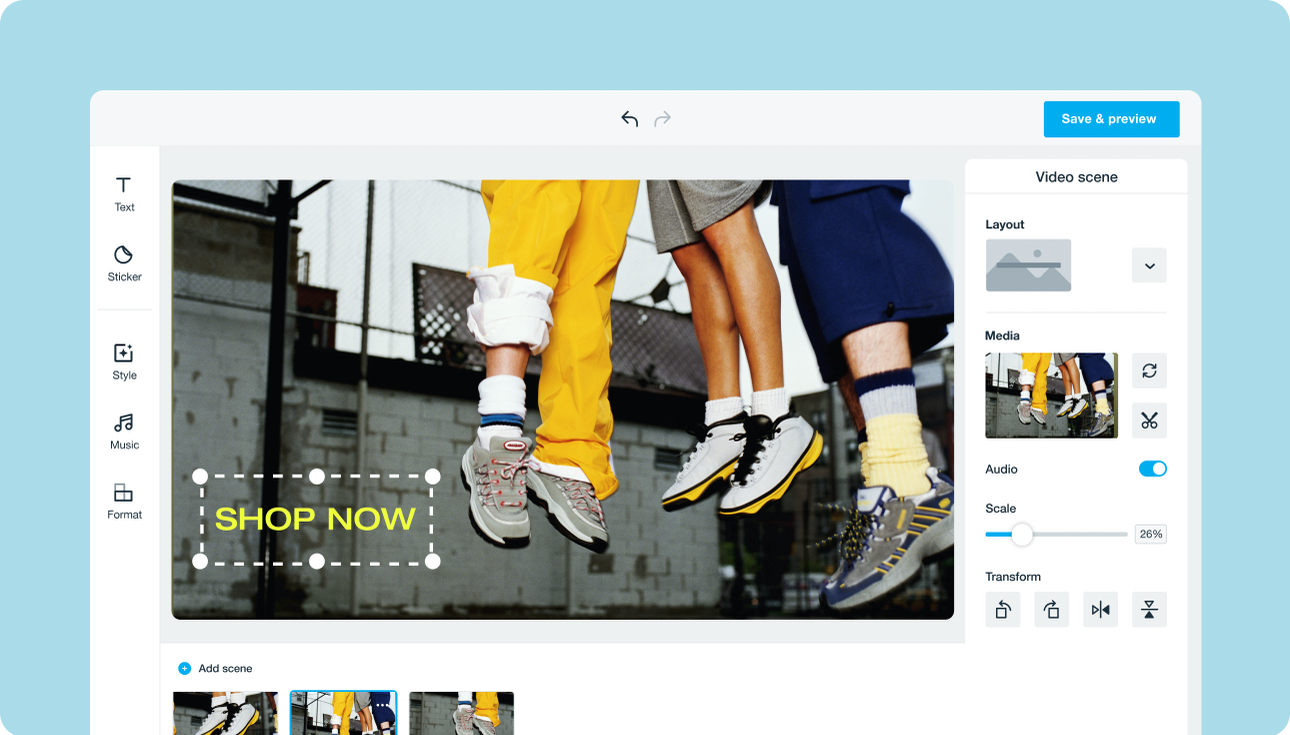
How to create Instagram videos (reels, stories, and feed content) for free

Choose an Instagram video template

Add media

Customize the template

Save and publish to Instagram

  • I use Vimeo Create for ad content creation and our social channels, and it has definitely saved me a lot of time and energy. Now I feel like I can be more creative with the overall framework of the videos.
    Carleigh CraparoSocial Content Manager at Tappan Collective
  • Vimeo is great for us: everything lives in one place, and there's no sharing of large files that take a long time to download. And once the video is done, it's really easy for us to share on social and embed into websites.
    Kyle RajaneimiMarketing Manager at Yeti Cycles
  • Vimeo Create is going to make our Instagram ads much more dynamic and impressive.
    Anna KonsonGraphic Designer at Bloomscape

Instagram video sizes, formats, and specs — everything you need to know

Making sure your content aligns with Instagram’s diverse requirements is essential for video quality and engagement. Instagram utilizes specific video formats and sizes for different placements.

  • Reels and Stories are typically vertical (9:16 aspect ratio)
  • Standard feed posts can be square (1:1), landscape (16:9), or vertical (4:5)

Knowing the right specs for aspect ratio, resolution, and file type is key to avoiding pixelation or awkward cropping that can ruin a polished video. Our goal is to simplify this often-confusing process so you can focus on creativity, not technical troubleshooting.

That’s why using a pre-configured reel template or any of the other high-quality templates on Instagram is the smartest way to guarantee technical compliance. These templates automatically set the correct dimensions and formats so your content looks perfect across all devices and placements. Even better, you can access and use these time-saving tools for free, eliminating the complex guesswork around video sizes and technical specs. This means you can create professional content quickly without worrying about meeting Instagram's many technical demands.
Make a video for Instagram

Create Instagram videos that people want to watch

Make Instagram videos that stop those scrolling fingers

Instagram videos can boost brand awareness, market your products or services, and engage your audience. The following best practices and expert tips can help you make stunning and heart-worthy Instagram videos.

Pay attention to timing and sizing

There are a few types of Instagram videos — posts, ads, and stories. Vimeo Create has a library of templates that are pre-set with required dimensions and sizes depending on your video type, so there’s no guesswork involved. According to Facebook, 1:1 square videos are the most adopted video format on Instagram. Posts should be 60 seconds, ads should be between 5-15 seconds, and each story frame can be up to 15 seconds.

Make the first few seconds your best

Grabbing the attention of your audience within the first few seconds in your video is necessary to stop the scroll. Make the first 1-3 seconds of your videos your most engaging with an eye-catching clip or cover image that gets noticed and immediately showcases what your video will be about.

Tell a story

Videos have the power to tell stories that images can’t. Use your Instagram videos to tell your brand’s story and boost brand awareness. Give your video a cohesive story from beginning to end to help your audience see why you stand out.

Make a coming soon or launch video for Instagram

When you have a new product, service, or event ready to debut, nothing builds buzz like a great coming soon video for Instagram. You don't need expensive software or a design degree to create instagram hype—Vimeo Create makes it simple to turn templates into stunning launch announcements in minutes. Best of all, you can access the tools and customizable templates necessary to make your announcement for free, ensuring your big reveal gets maximum attention without breaking your budget.

Explore templates

Create an Instagram video today

Find the right plan for you.

Video experience platform

Everything you need to make, manage, and share brilliant videos

Simple

Cinematic

Controlled

Automated

Have questions?

Frequently asked questions about Instagram video templates