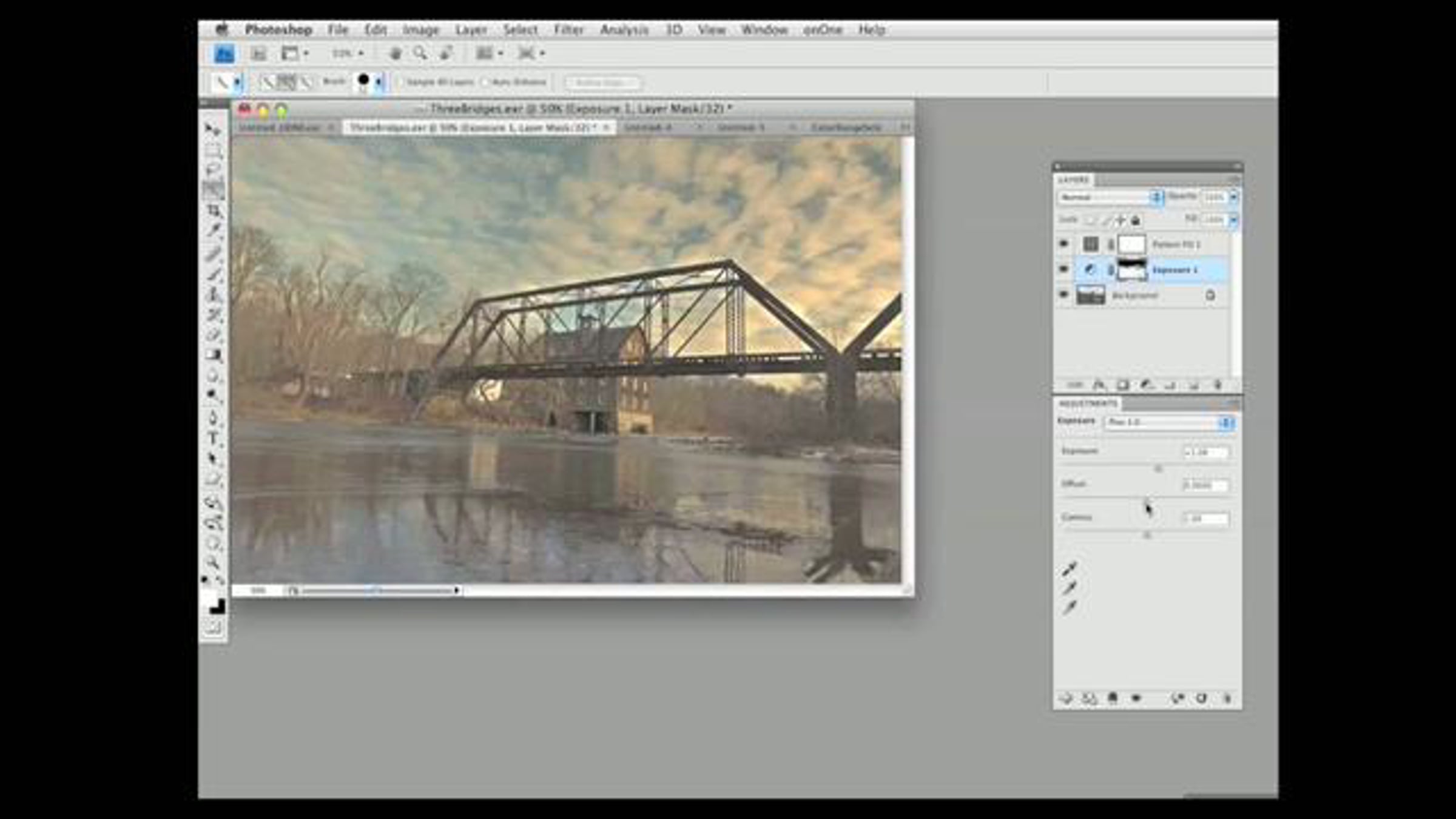
Advanced Tone Mapping in Adobe Photoshop CS4, part 2 of 2

Adobe Photoshop CS4 has some very powerful tools for the HDR photographer, but these workflows are not very well documented. In this 2nd of 2 TechTock screencast tutorials for the Adorama Learning Center, Jack Howard shows a number different ways to Tone Map 32-bit High Dynamic Range images in Adobe Photoshop CS4 and CS4 Extended using Adjustment Layers and other tools and treatments before dropping bit depth. Part 2 of 2. Created by Jack Howard, Director of New & Social Media for Adorama Camera's Learning Center using Screen Mimic software for the Mac.
Get started for free
24/7 customer support
Our customer support team is available to help 24/7. Enterprise members also receive dedicated account managers and a guaranteed uptime SLA.
© 2026 Vimeo.com, Inc. All rights reserved.
TermsPrivacyYour Privacy ChoicesU.S State PrivacyCopyrightCookies